Swift and effortless window management
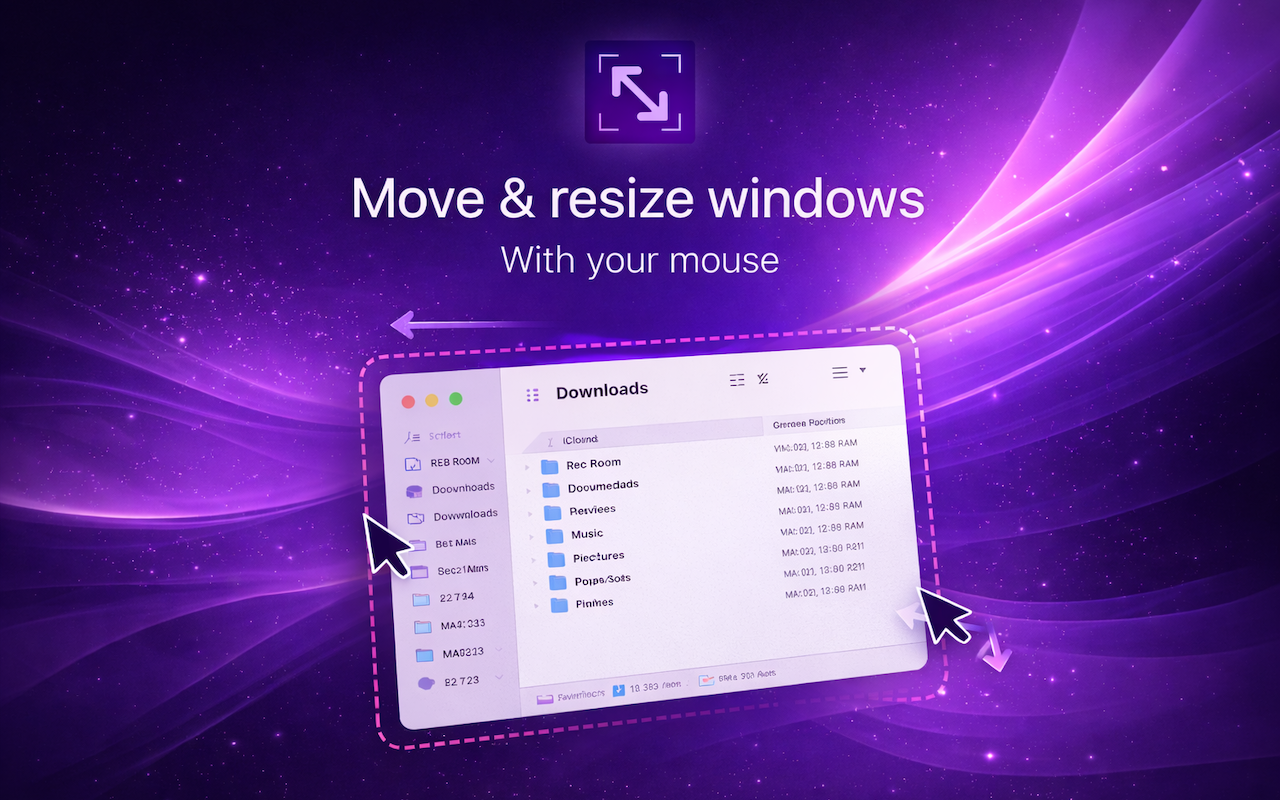
Glide is a lightweight utility that makes window management swift and effortless. No bloat, no complexity — just quick control using modifier keys + your mouse.
Three steps to effortless
window control
Hold your keys
Press your chosen modifier key combo — like Cmd + Shift — to activate Glide.
Glide your window
Any window under your cursor will follow — even in the background. No need to hunt for the title bar or even click.
Resize from anywhere
Right-click and drag near any corner or edge to resize — watch your window resize as you go.
The Art of Window Zen
Most window tools grow into complex managers. Glide stays lean — just the essentials for fast, fluid window control.
Move from anywhere
Hover over any point of a window to move it — no title bar or clicking required.
Resize from anywhere
Right-click + drag to watch your window resize. Grow or shrink from anywhere, in any direction.
Works with any window
Foreground or background — Glide works across every app on your Mac.
Custom modifier keys
Pick any combination of Cmd, Shift, Ctrl, or Alt to trigger Glide.
Menu bar control
Toggle Glide on or off instantly from the macOS menu bar. Always only one click away.
Private by design
Zero data collection. No accounts. No analytics. Your windows, your business.
Quick settings
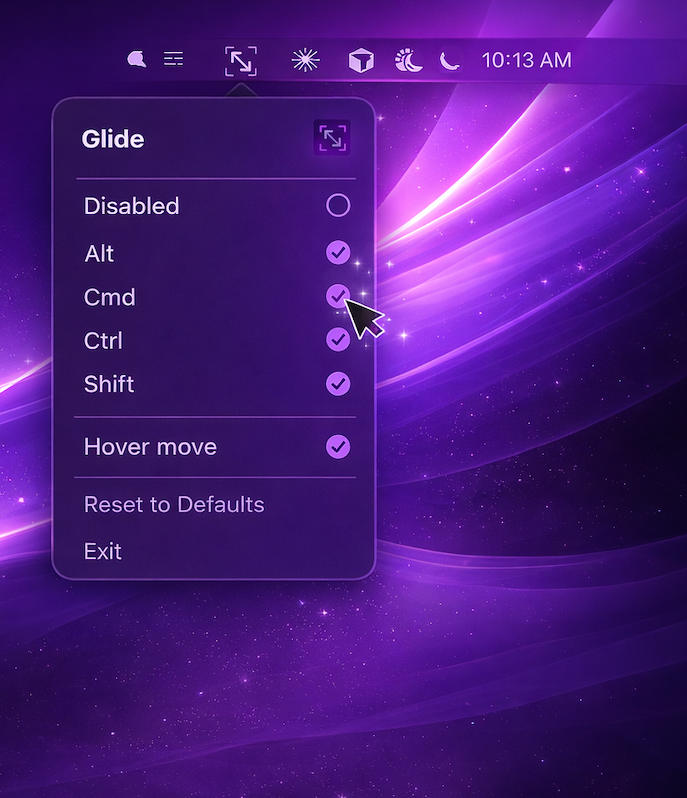
Access all controls from your menu bar. Enable or disable Glide, customize modifier keys, toggle hover move, and more. Everything is just a click away.
- Toggle Glide on/off globally
- Choose modifier keys Alt+Cmd+Ctrl+Shift
- Enable/disable hover move
- Reset to defaults anytime
One-time setup
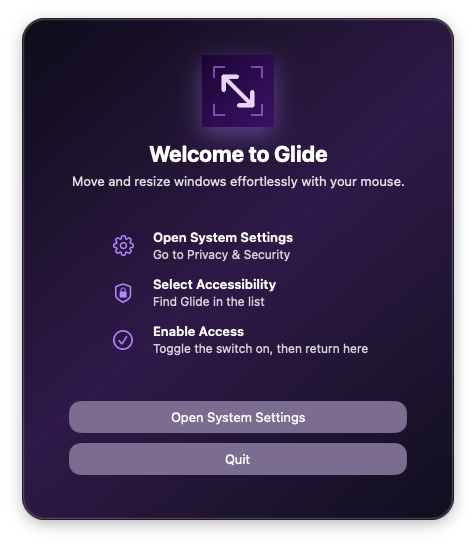
Glide needs Accessibility permissions to move windows for you. Our seamless onboarding guides you through System Settings in seconds.
Open System Settings
Go to Privacy & Security
Select Accessibility
Find Glide in the list
Enable Access
Toggle the switch on, then return to Glide
Zero Data Collection
Glide uses macOS Accessibility permission to move and resize windows. Glide does not collect personal data.
Built for modern macOS
Native, lightweight, and tested across every recent macOS release since macOS 13 Ventura.

Ready to Glide?
Download Glide for free. No subscriptions, no in-app purchases, no nonsense.
Download for MacRequires macOS 13 or later · Apple Silicon & Intel